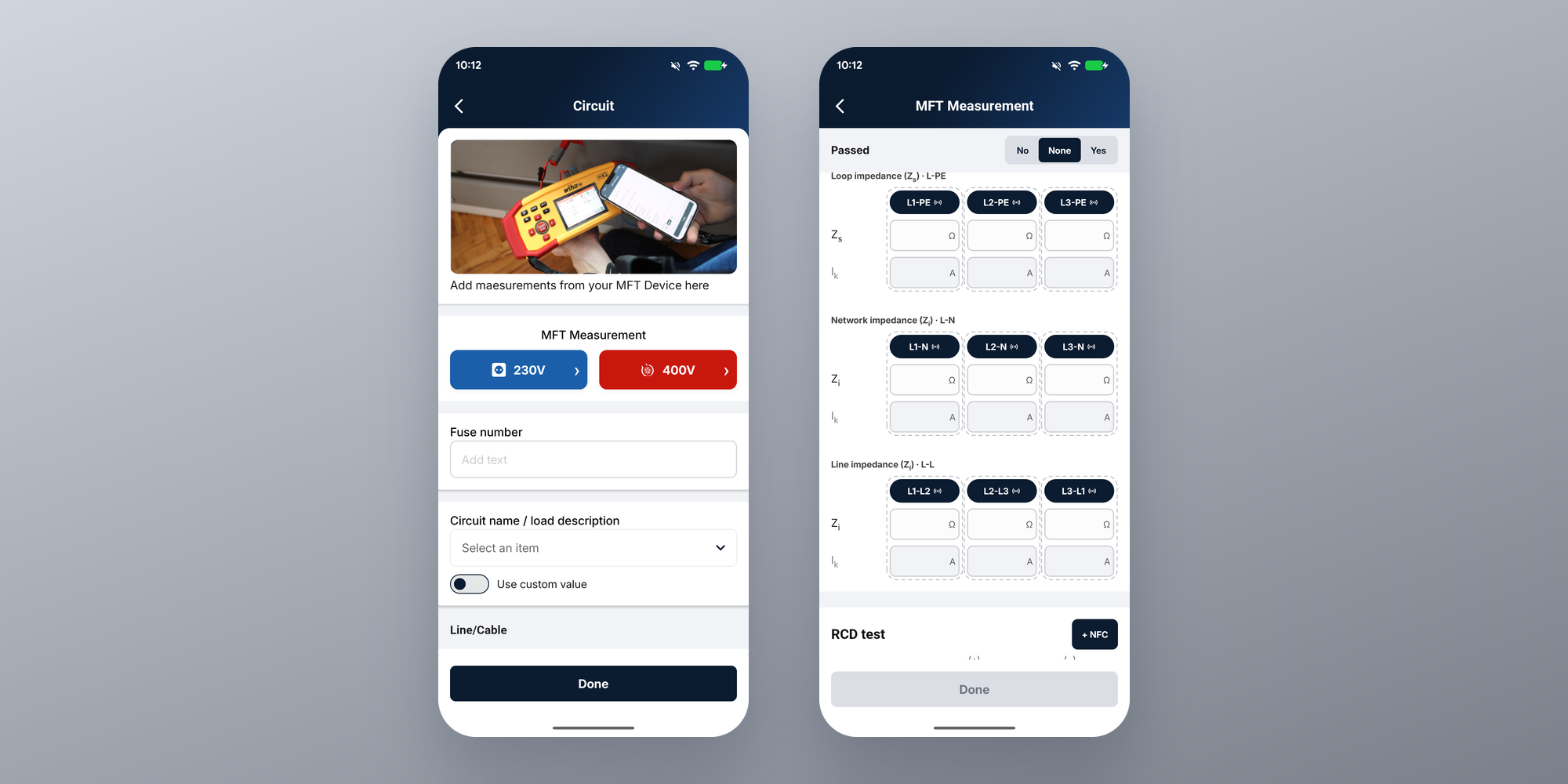
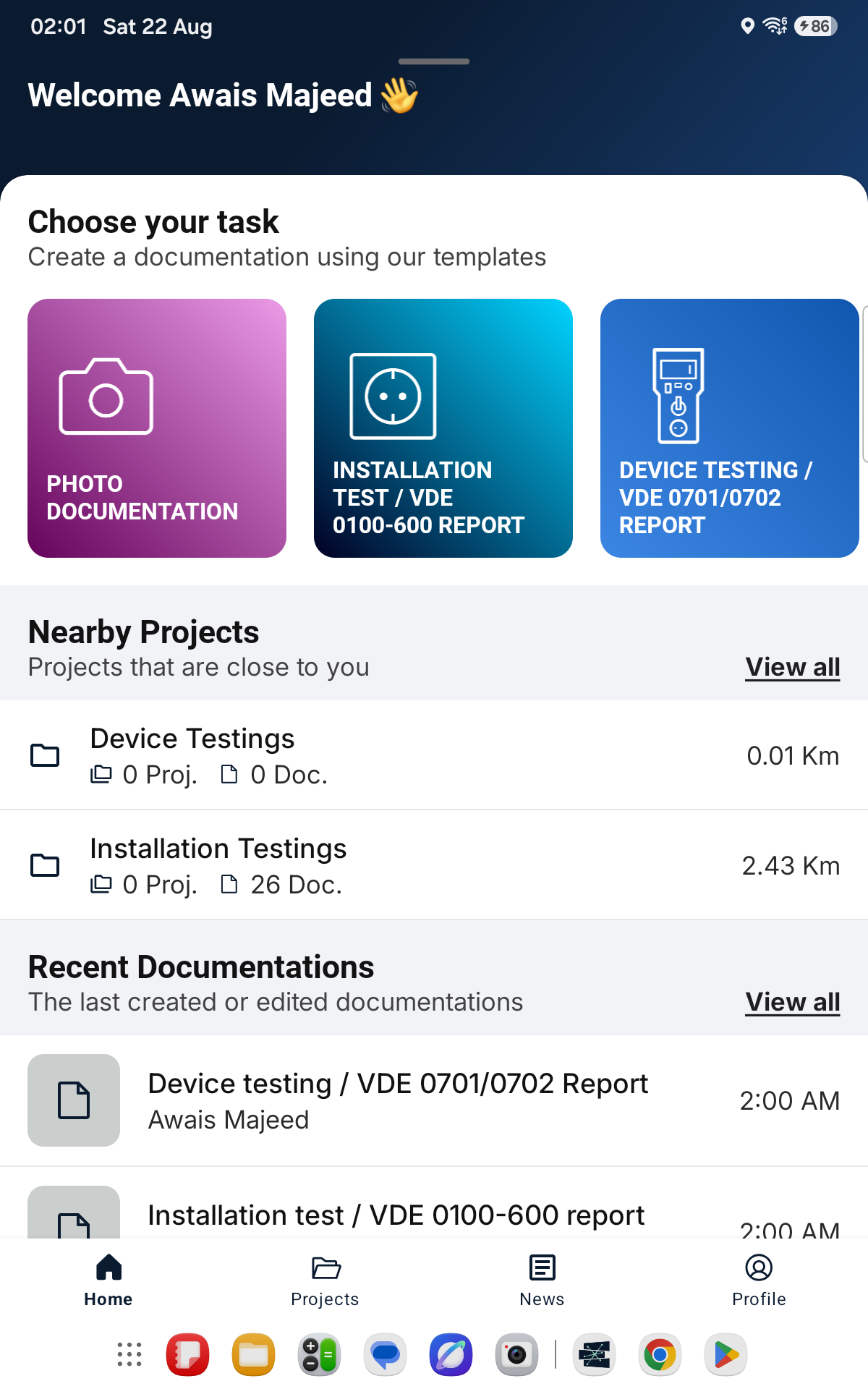
A Liquid Glass Refresh for Sparkify on iOS
The Sparkify iOS app now picks up Apple's Liquid Glass look on key surfaces — a visual refresh on iOS 26. Your workflow stays exactly as it is.
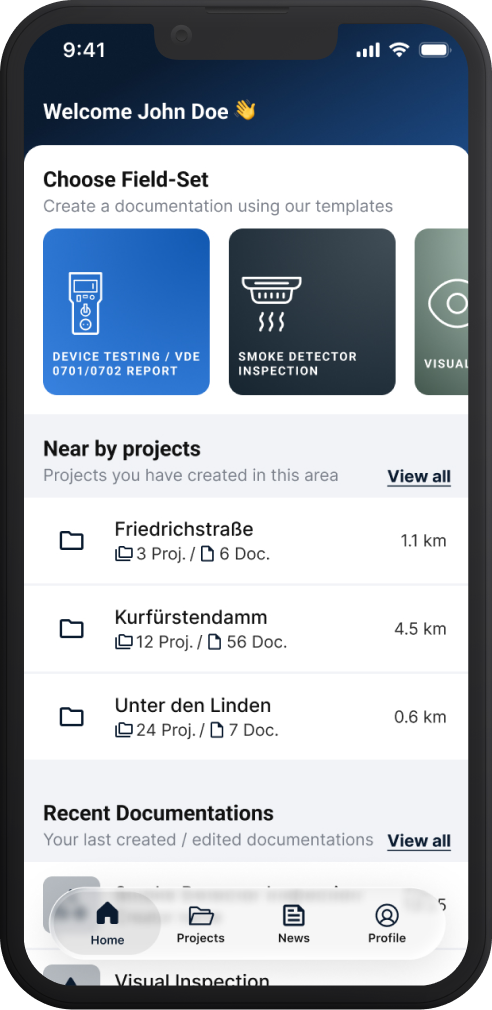
The latest Sparkify update brings Apple's new Liquid Glass design to iOS, giving the app a refreshed, more modern appearance while preserving the experience you already know. By adopting Apple's latest design language, we're continuing our commitment to making Sparkify feel right at home on iOS and delivering the most native experience possible.
With iOS 26, Apple introduced Liquid Glass—a new translucent, glass-like material used for navigation and controls that subtly reveals the content behind it. Sparkify now adopts this design language across the surfaces you interact with most.
What's new?
- Navigation and tab bars now use the Liquid Glass material, helping your content remain the focus.
- Buttons and sheets have been updated with the same visual style for a more cohesive experience throughout the app.
- Everything else stays the same. Your workflows, screens, and features remain exactly as before.
This is purely a visual refresh. Your projects, test forms, photos, measurements, and documentation continue to work exactly as they always have. There's nothing to configure—simply update the app and enjoy the new look.
The refresh is available in the latest Sparkify iOS update and requires iOS 26. The Android app is unaffected and continues to work as usual.
As always, we'd love to hear your thoughts. If you have feedback or ideas for improvement, you can contact us directly from within the app.
— The Sparkify Team