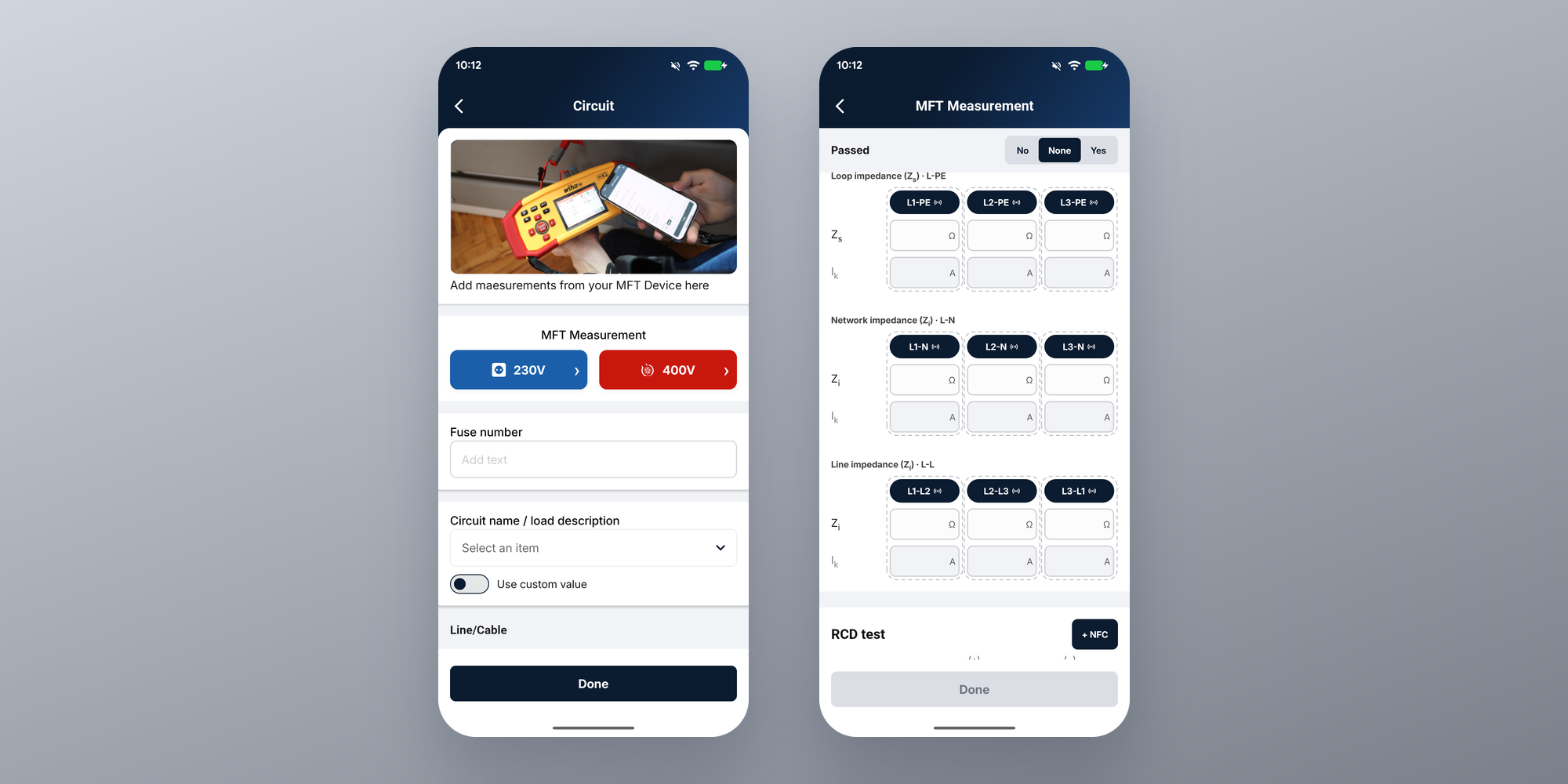
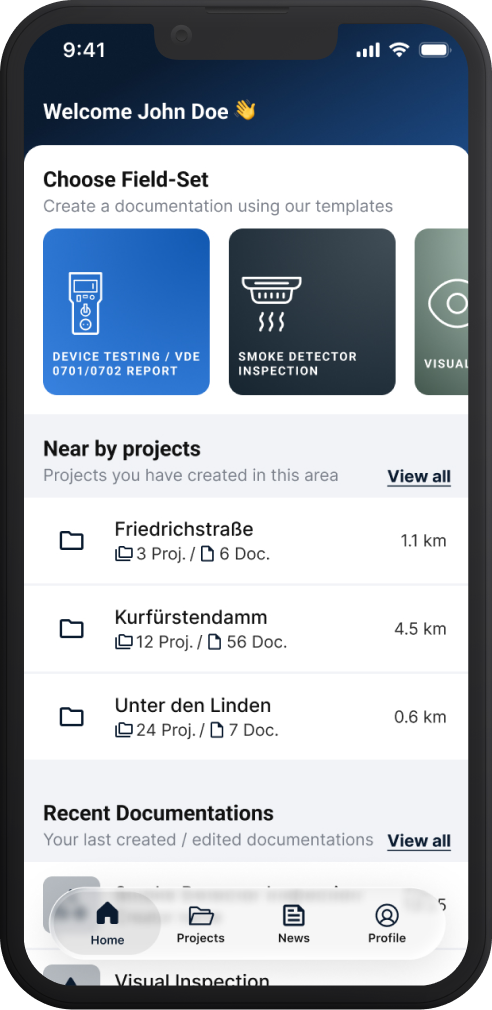
A New Layout for Sparkify on Android Tablets
The latest Android update brings an interface designed for tablets — the workflow you know, now arranged for the bigger screen.
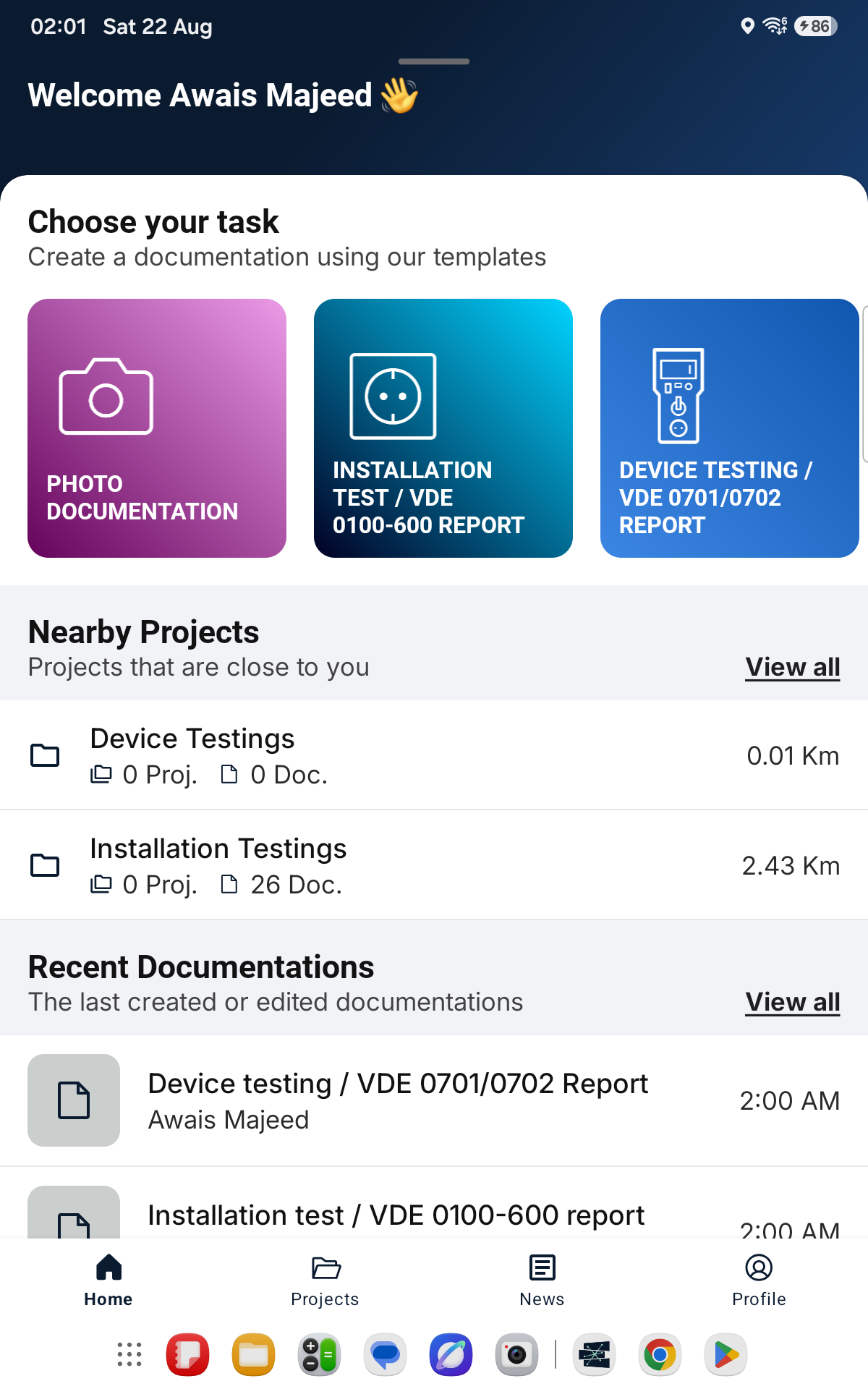
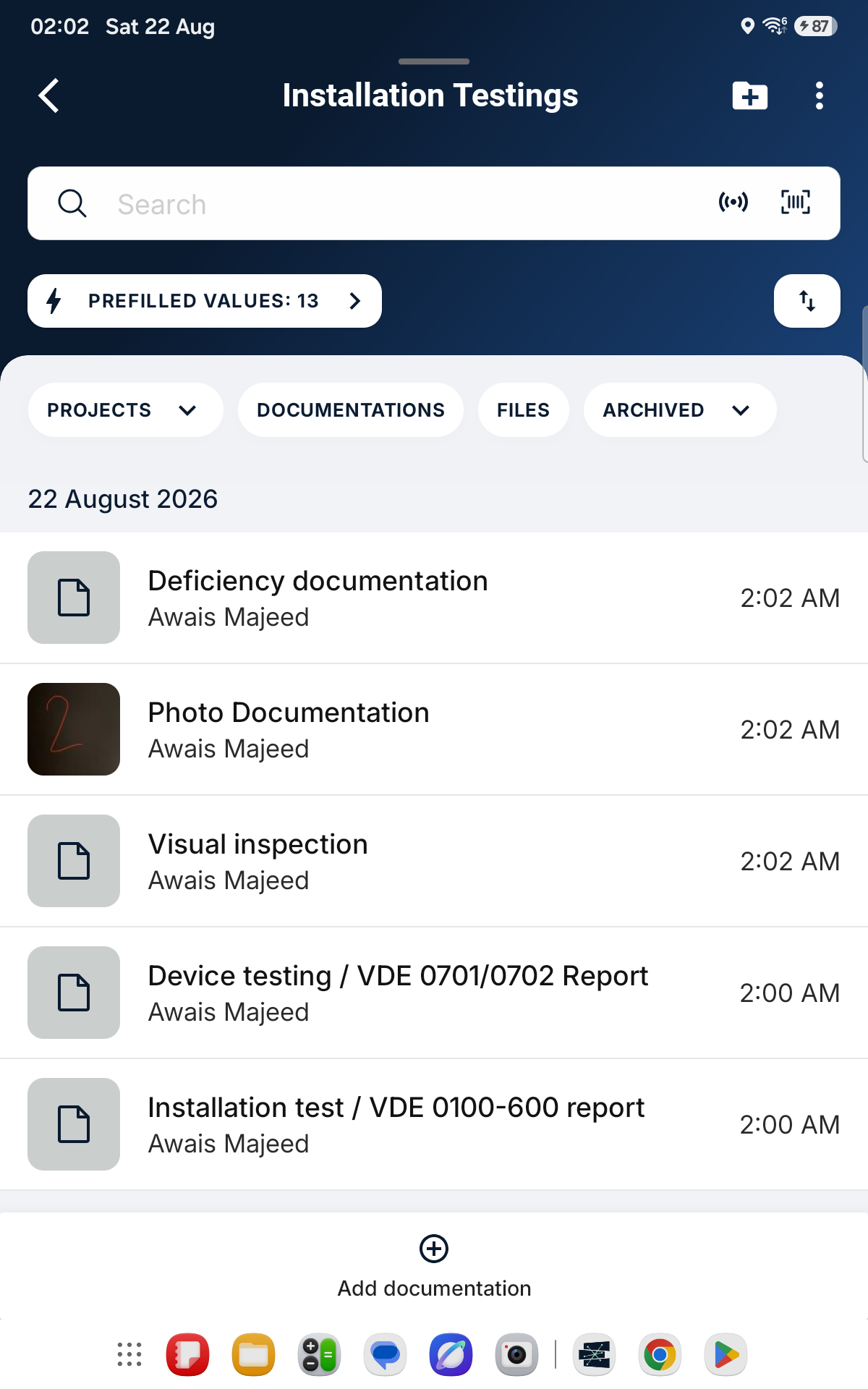
When we introduced Sparkify on the Samsung Galaxy Tab Active5, tablets still showed the same interface as the phone — and we promised that a layout built for the bigger screen was in progress. It's here: the latest Sparkify Android update brings a redesigned interface for Android tablets.
What's new?
- A home screen that uses the space. Your quick-start tasks, nearby projects and recent documentations are arranged for the larger display, so the things you reach for most are in view right away.
- Roomier project and documentation lists. More of your project structure at a glance, with comfortable touch targets throughout.
- The same workflow, unchanged. Nothing changes in how you work: create a documentation, add photos, transfer measurements via NFC tap-to-read, export the PDF report.
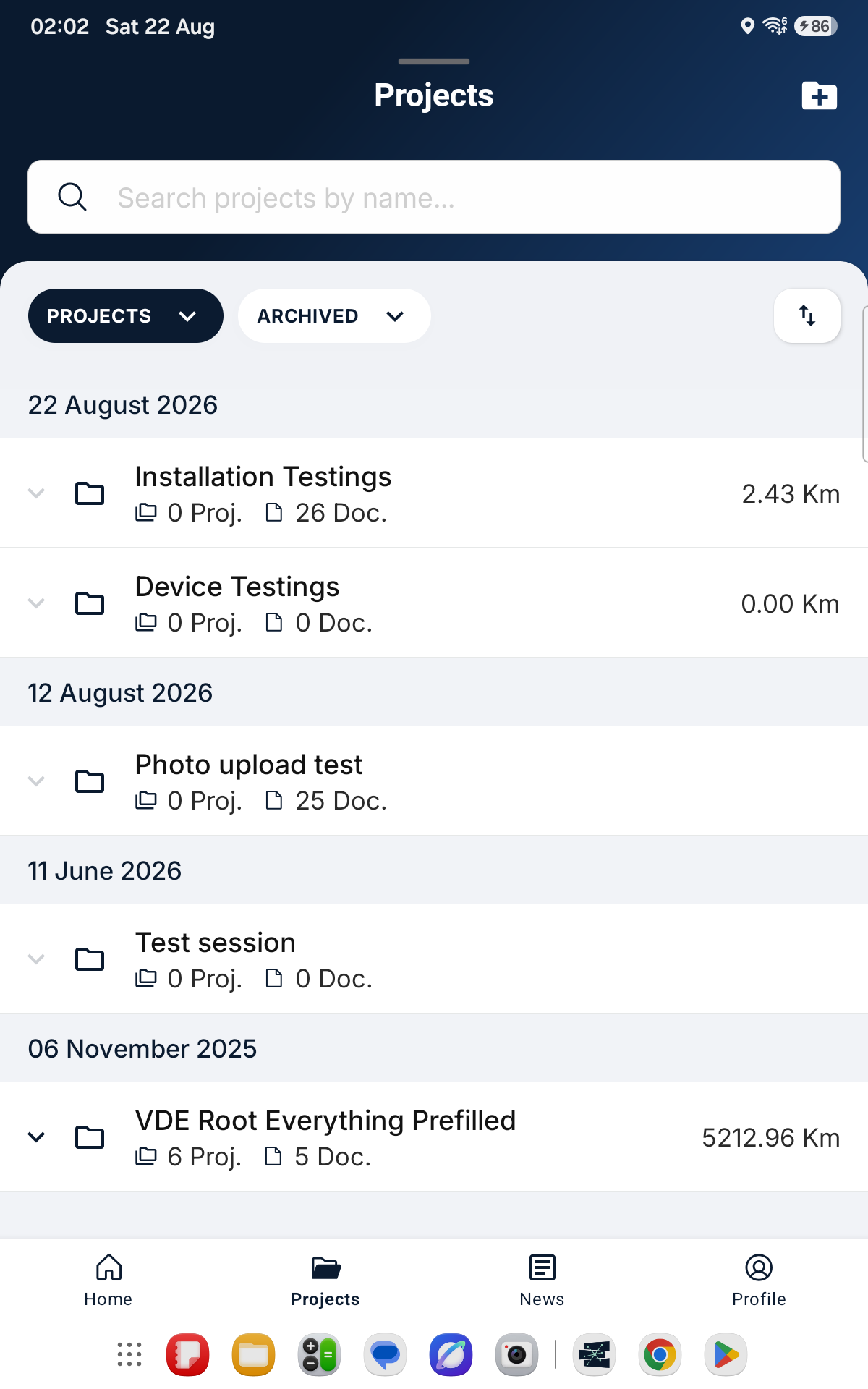
The new layout is part of the latest Sparkify Android app update — simply update via Google Play. On phones, the familiar interface stays exactly as it is, and your projects continue to sync across phone, tablet and the web client.
Do you have feedback or ideas for improvement? Feel free to contact us directly from within the app.
— The Sparkify Team